Sep 26, 2026Access Control Guides
How to Choose a Remote Controller and Function Selector Combination
A remote controller changes the door's mode from a distance; a selector puts the same modes on a wall. How to combine them and what to confirm before buying.
Automatic doors have modes, and somebody has to change them: open for deliveries, half-open in winter, locked at night, automatic during the day. That job is done either at the door, with a function selector, or from across the lobby, with a remote controller. Many buildings end up wanting both.
What each device does
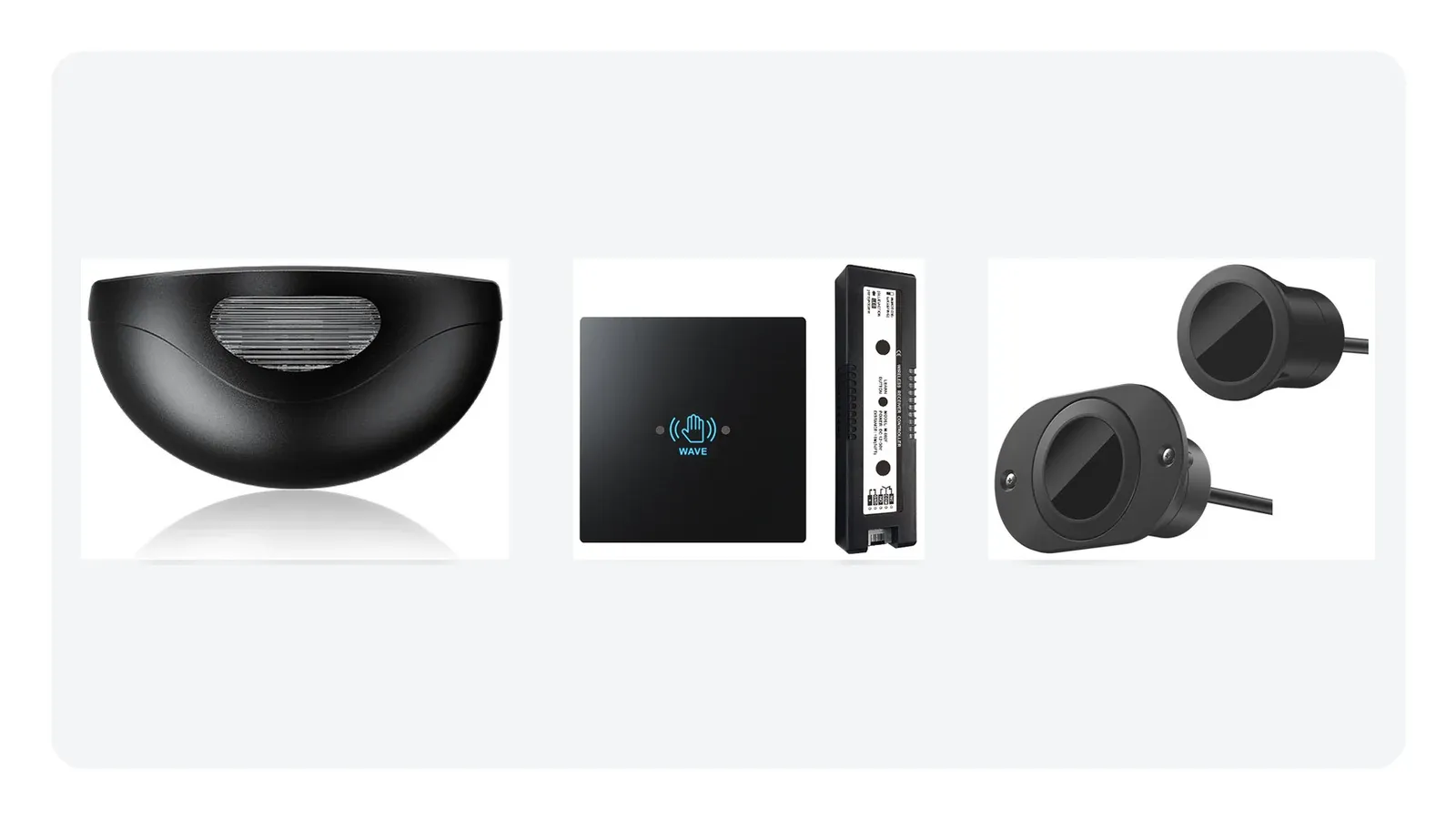
A function selector puts the door's working modes on a fixed panel beside the door, so the setting is visible and anyone authorised can change it in passing. A remote controller does the same job wirelessly, letting a guard or manager change modes without walking to the door. They act on the same modes; they differ in where the control sits.
When a wall selector is the right answer
A fixed selector is the better choice where the mode setting should be visible to staff, where several people share the responsibility, and where a panel beside the door is the natural place to check the door's state. Keyed selectors add a simple restriction: only someone with the key changes modes, which suits buildings where mode changes must be deliberate.
When a remote suits better
Remote control earns its place where the door is not conveniently reachable: a large lobby, an entrance watched from a security desk, or a facility where staff need to open or change a door for a delivery without crossing the floor. It is also useful where a wall selector would be exposed to the public and become a temptation.
Combining them
Combining is common and sensible: a wall selector for the everyday, visible setting and a remote for occasional use from a distance. If both are fitted, plan which one wins when they disagree, and confirm the receiver and operator support multiple control inputs. Mixing control sources without thinking about precedence is how doors end up in the wrong mode at the wrong time.
What to confirm before buying
Confirm the modes your operator actually supports, since not every operator offers the full five-function set. Confirm the selector or remote's output matches the operator's mode inputs. Decide who is allowed to change modes and choose keys or open access accordingly. For remote units, check the operating range in the actual building, because walls and metalwork reduce it, and check how transmitters are learned or paired to the receiver so adding a second handset later is straightforward.
Modes, staffing and the daily routine
Door modes exist because the same door plays different roles across a day, and the choice between wall control and remote follows the routine rather than the hardware. If one person opens and locks the door each day and can see the panel, a selector is sufficient. If the door is managed from a desk, or the building has several entrances watched from one point, remote control is what turns an awkward walk into a press.
It is worth walking through the actual daily routine before specifying: who changes the mode, at what times, and where they are standing when they do it. That exercise usually makes the answer obvious and prevents a control being installed in a position nobody uses.
Documenting which control wins
Where a selector and a remote are both fitted, somebody eventually needs to know which takes precedence. The safe practice is to decide this during commissioning, note it, and confirm the operator behaves that way. Doors that change mode unexpectedly are almost always the result of two control sources whose interaction was never settled.
Recording the mode set, the control arrangement and the precedence in the building's door documentation saves the next person a diagnosis. It is a small piece of administration that pays for itself the first time the door misbehaves.
Frequently asked questions
Can a remote controller control several doors?
It depends on the model and the receiver. Some pair one transmitter with one receiver; others support multiple. Decide how many doors you need to control from one handset before choosing, because retrofitting that capability is not always possible.
Is a remote more secure than a wall selector?
They fail differently. A wall selector can be operated by anyone who reaches it unless keyed; a remote can be lost or copied. Restricting access is the real control in both cases.
AURWEN supplies autodoor remote controllers, key LCD selectors, keyled selectors and five-function switches. Tell us who operates your doors and how they need to reach them, and we will suggest a control set.